How Influencers Can Transform Families with YOKC. Join us in providing life-changing tools and resources for children and their parents.
Graphic Assets
Official Logo
Download

Download

Download
Download

Social Media Samples
1080 x 1080
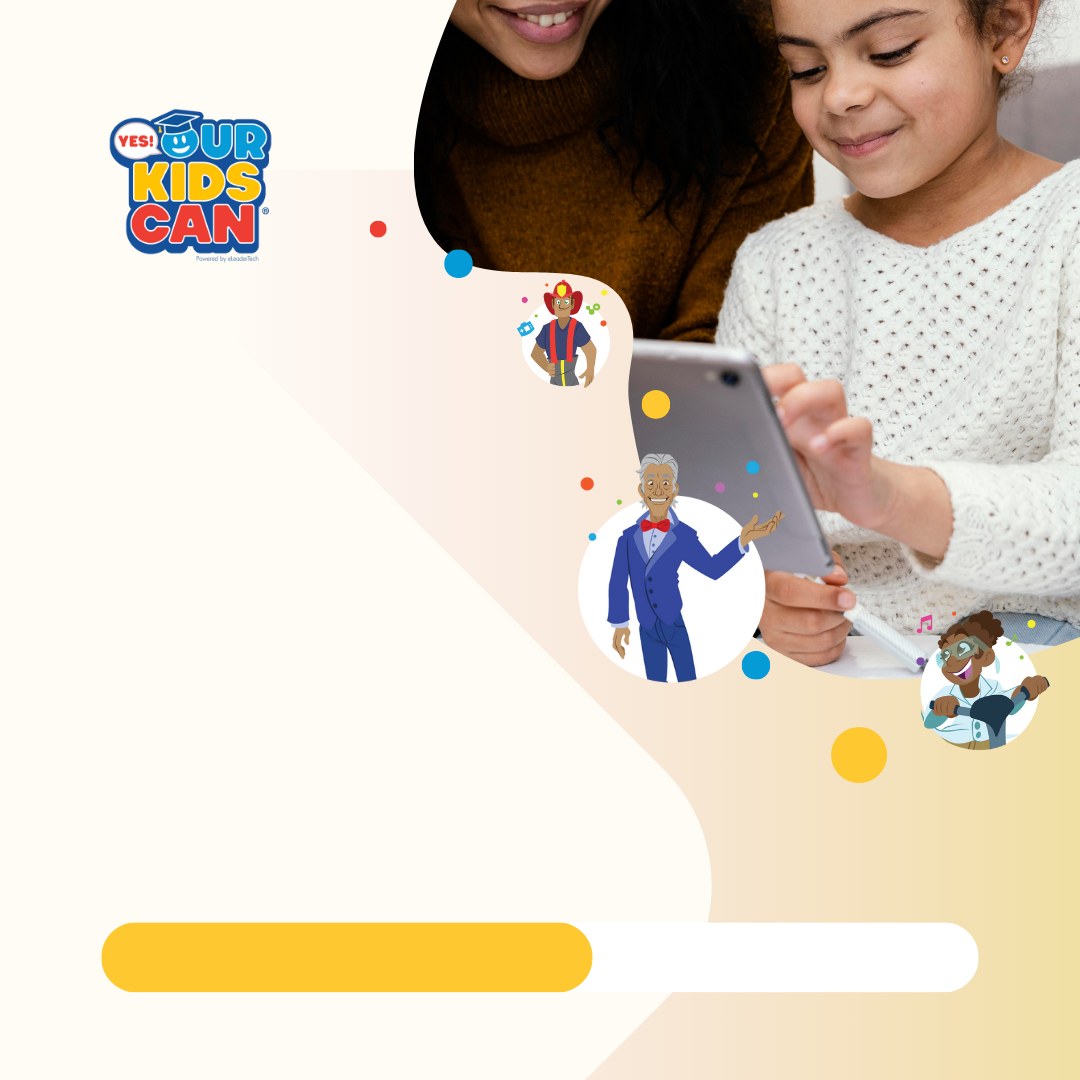
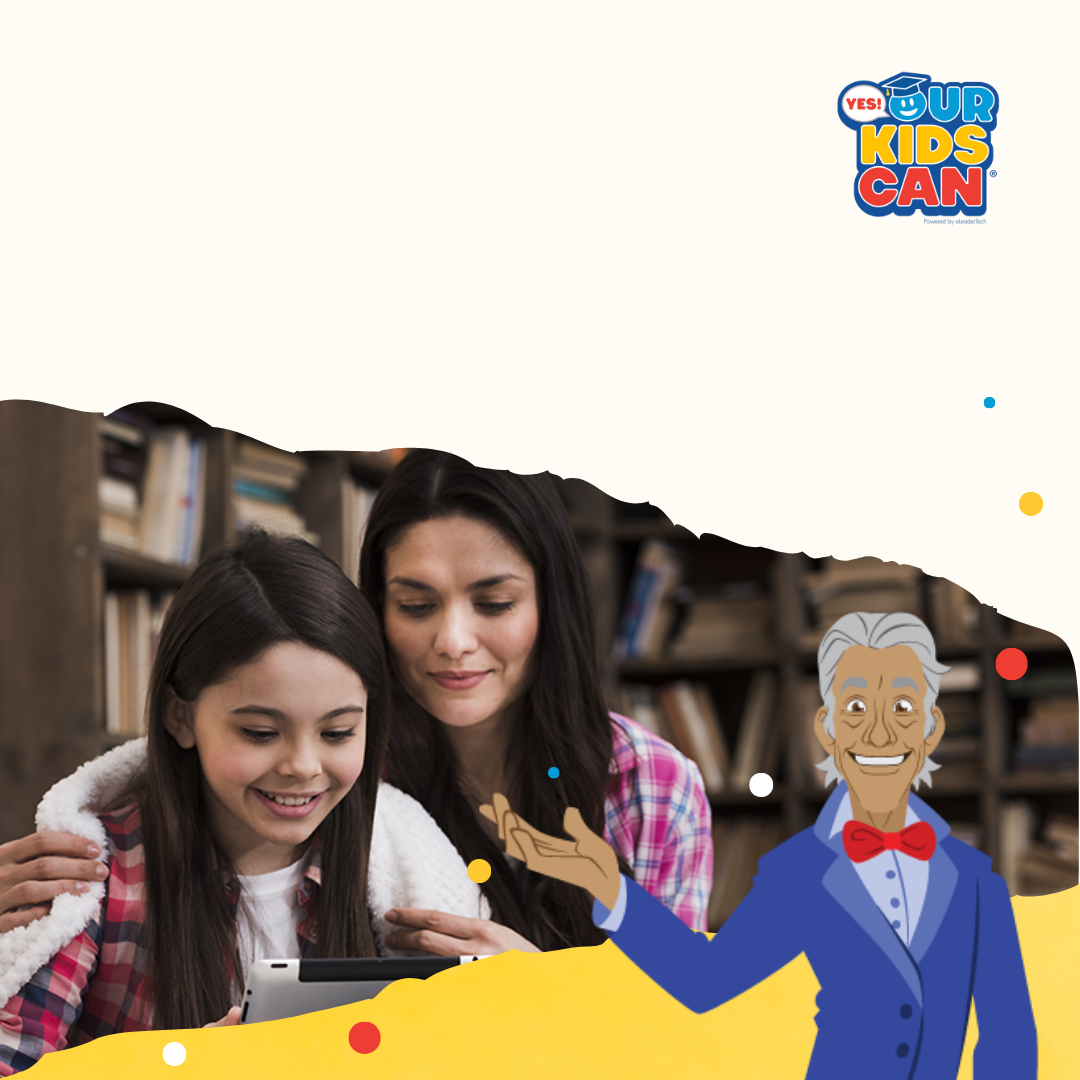
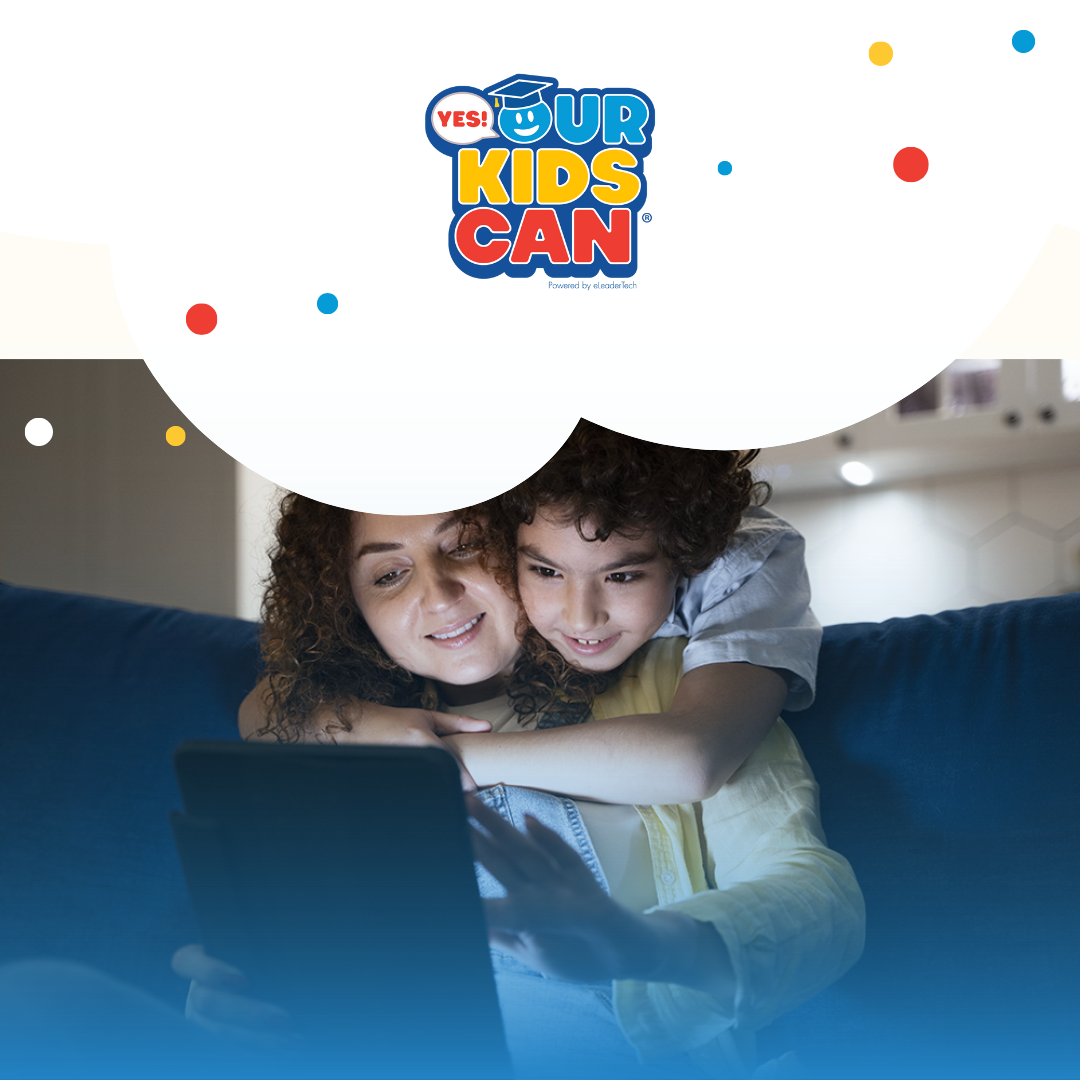

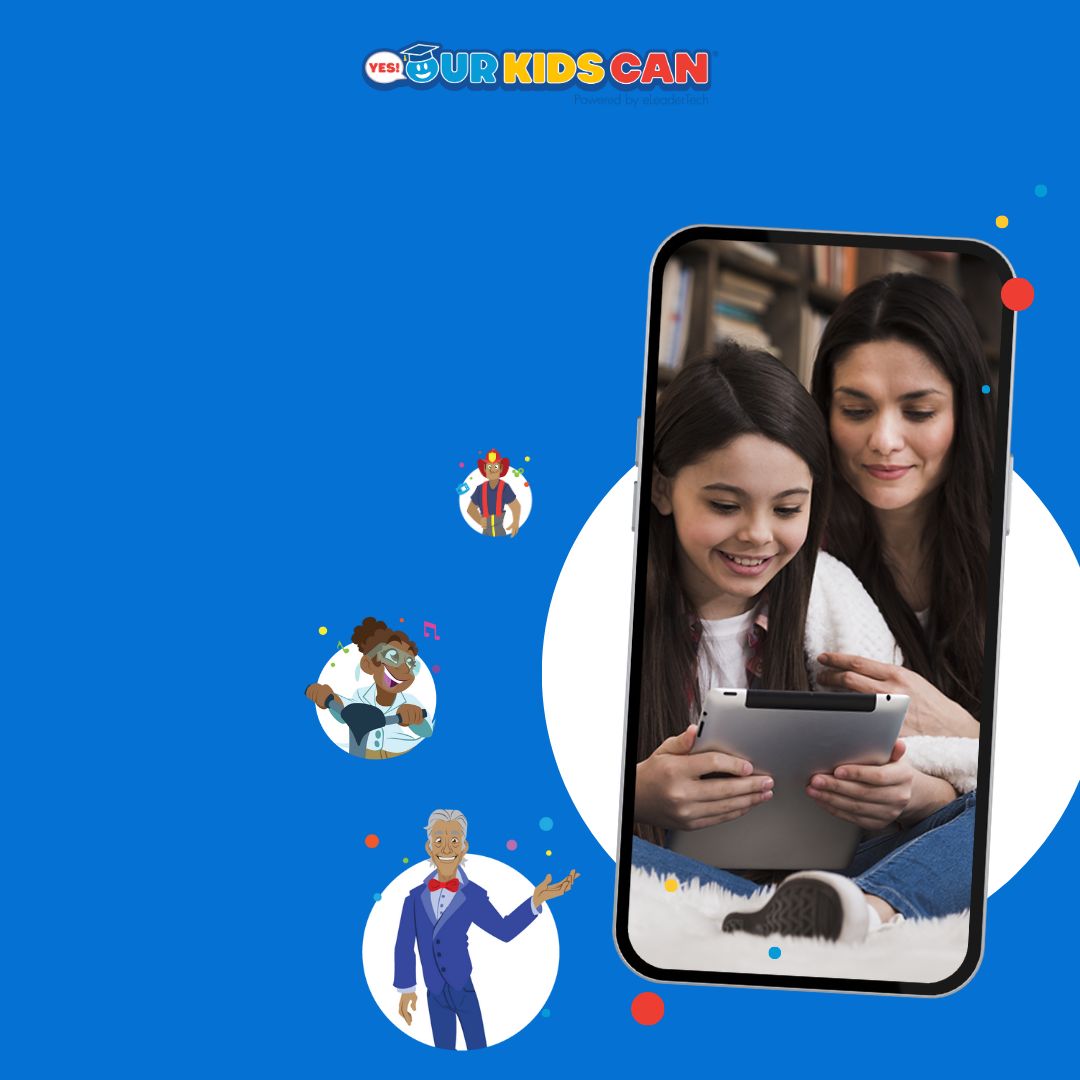
1920 x 1080
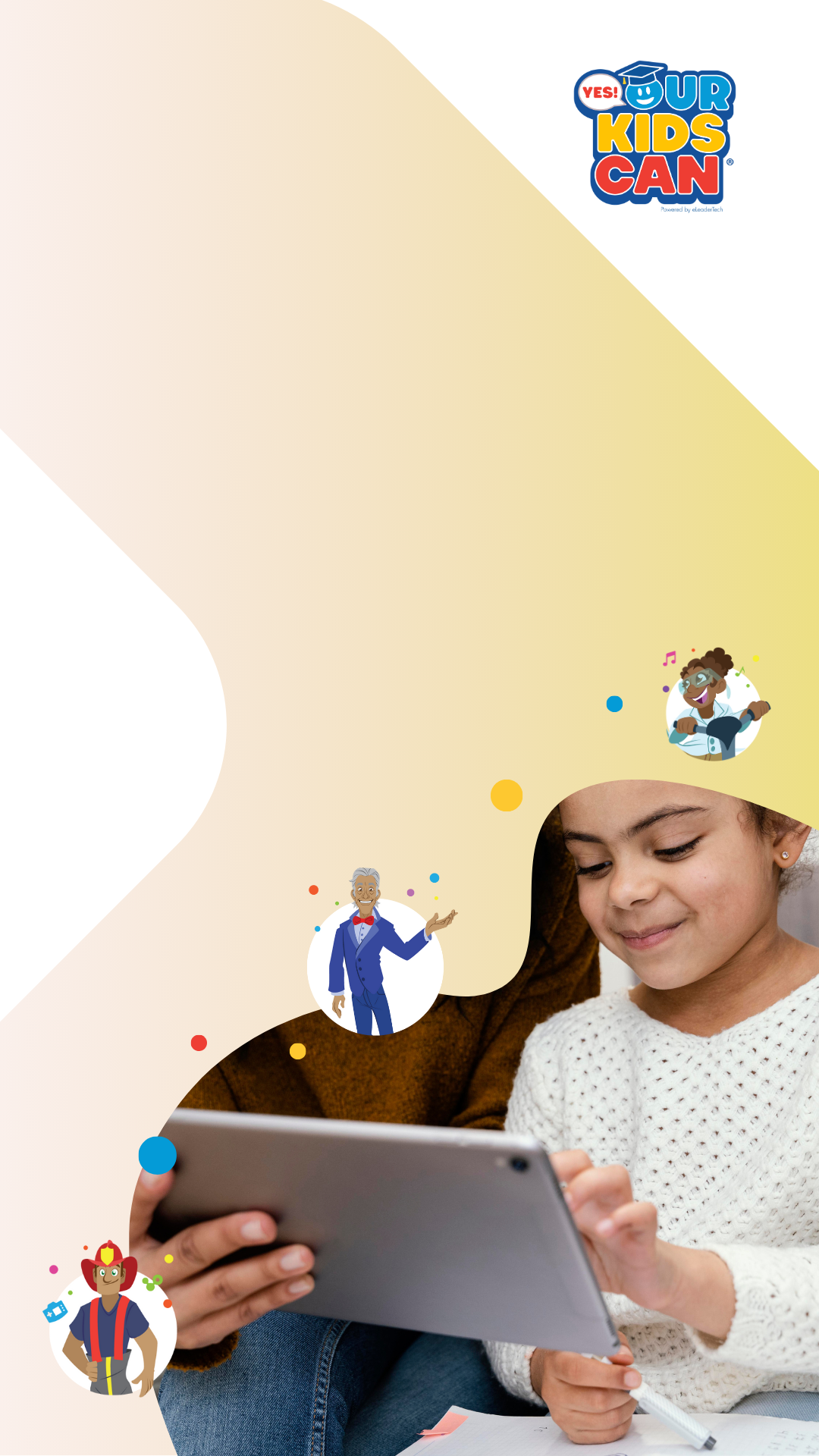

3-Step Manual for Social Media
How to Drive New Subscriptions Using Your Code Link
Watch Tutorial
1
Select and Upload the Background
Select from the provided backgrounds that best match your aesthetic and brand. Use the selected background as the base for your content to ensure consistency and visual appeal.
Posts1080 x 1080px
Stories1920 x 1080px
2
Share Why You're Excited
Share why you're excited about Yes! Our Kids Can in your unique voice. You can also draw inspiration from the following statements:
- “Unlock your child's full potential.”
- “Learn Success Principles through stories, games, songs & more.”
- “Start your child's own path to success.”
- “Play, learn, succeed: your child's future starts now!”
- “Success starts here: play, learn, and grow!”
- “Empower your child's future with fun-filled learning.”
- “Inspire greatness in your child one fun lesson at a time.”
- “Success principles made fun—help your child now!”
Use these ideas as part of your captions to convey excitement and encourage action.
3
Add a Clear Call to Action
Copy Your Link or Code: Use the unique link provided to you, ensuring it's easy for users to tap and subscribe.
Stories:Use the Swipe Up feature (if available) or add the link to the link sticker.
Posts:Include the phrase “Link in Bio” if you can't directly embed the link in the caption.
Ready to Post!